
If your business is located in the United States, Canada, South America, Australia, East Asia, you should specify:
Subdomains
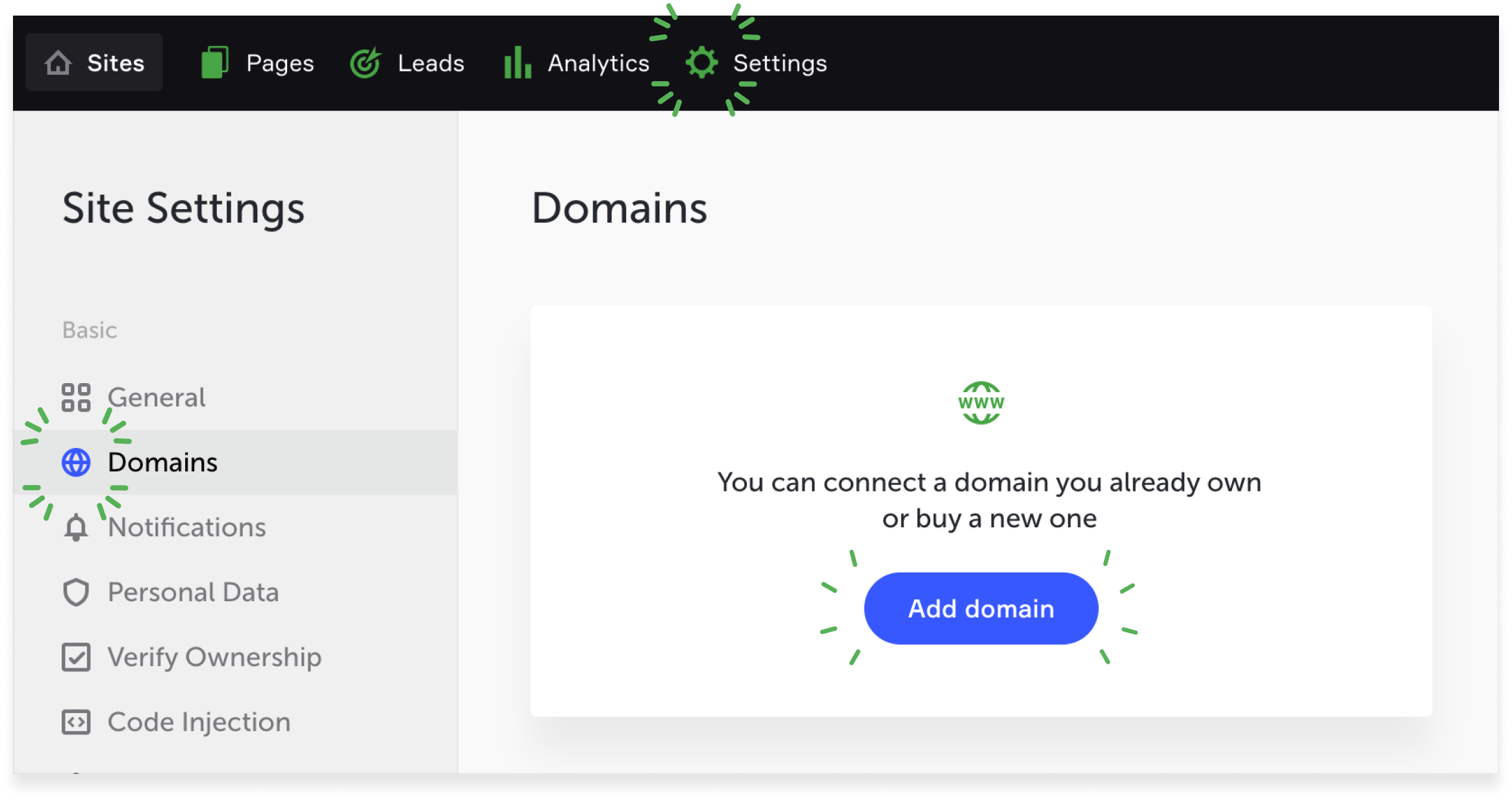
To connect and transfer domains, go to Domains in the site's Settings. Click Add domain, then enter the name in the search line (for example, mysite.com).
To connect an existing domain, you should own it.
NOTE:
A domain can be registered only after the main account has been paid. To let other users visit your unpaid site, provide them the Access code from the Settings → General.
A domain can be registered only after the main account has been paid. To let other users visit your unpaid site, provide them the Access code from the Settings → General.
To transfer your own domain to Flexbe, go to your hosting dashboard and change the old NS servers for the new ones. Select the servers of the region your site will main operate in.
If your business is located in Europe, Africa, West and Central Asia up to Thailand, you should specify:
Transfer of an old domain or activation of a new domain may take up to 2 days. This time is enough for providers to update the DNS cache. To transfer your Flexbe domain to another registrar, contact the support service.
Subdomains
A subdomain is a separate site (for example, blog.mysite.com). You can add a subdomain in Settings → Domain → Add domain.
a) If your domain is registered with Flexbe, it’s enough to specify the subdomain name in the settings of the required site.
b) If your domain is registered with a third-party registrar, then, in the DNS zone settings of your domain, you should specify the following CNAME record for your subdomain (the dot at the end of the record is obligatory):
| g.flexbe.net. | Europe, Africa, Western and Central Asia up to Thailand |
| u.flexbe.net. | USA, Canada, South America, Australia, Eastern Asia |
c) If your domain is set on Flexbe and your subdomain will operate with a third-party hosting service, you should send the CNAME record or A record to the Flexbe support chart that your hosting service will provide you for the subdomain.